- Log into your Olark account
- Click on the Chat Widget link in the navigation menu
- Scroll down to the Installation section.
Here you’ll find your installation code and unique site ID.
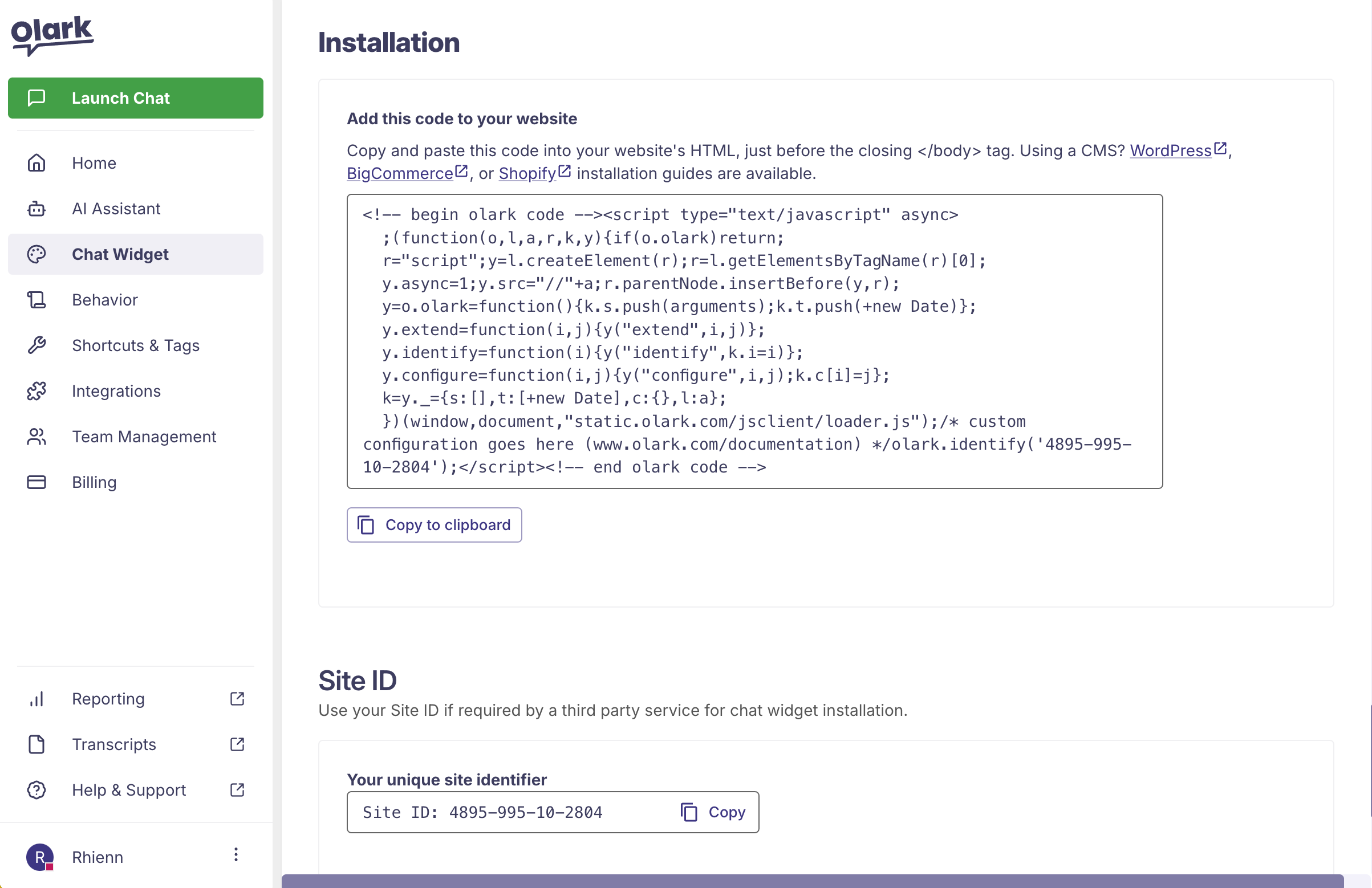
The Installation section
Standard or Manual Installation
Our standard installation method requires you to copy and paste your account’s unique javascript snippet immediately before your site’s closing